Spilled water, coffee or wine on your laptop or phone? What you do in the next five minutes makes a huge difference to whether it survives. Here's exactly what to do — and what not to.
Do this immediately
- Turn it off now. Don't wait for it to misbehave — shut it down or hold the power button. Power + liquid = short circuits.
- Unplug it and remove the battery if it's removable.
- Wipe off what you can and turn it upside down (tent shape) to drain.
- Get it to a repairer fast — ideally same day.
Do NOT do these
- Don't put it in rice. It's a myth — rice doesn't pull moisture from inside a sealed device, and dust/starch can make things worse.
- Don't turn it on to "check if it works." Every power-up risks more damage.
- Don't charge it. Same reason.
- Don't blast it with a hairdryer — heat can warp components.
Why speed matters: liquid damage doesn't stop when the device dries. Corrosion keeps eating the circuit board for days. The sooner it's professionally cleaned, the more we can save.
What we do
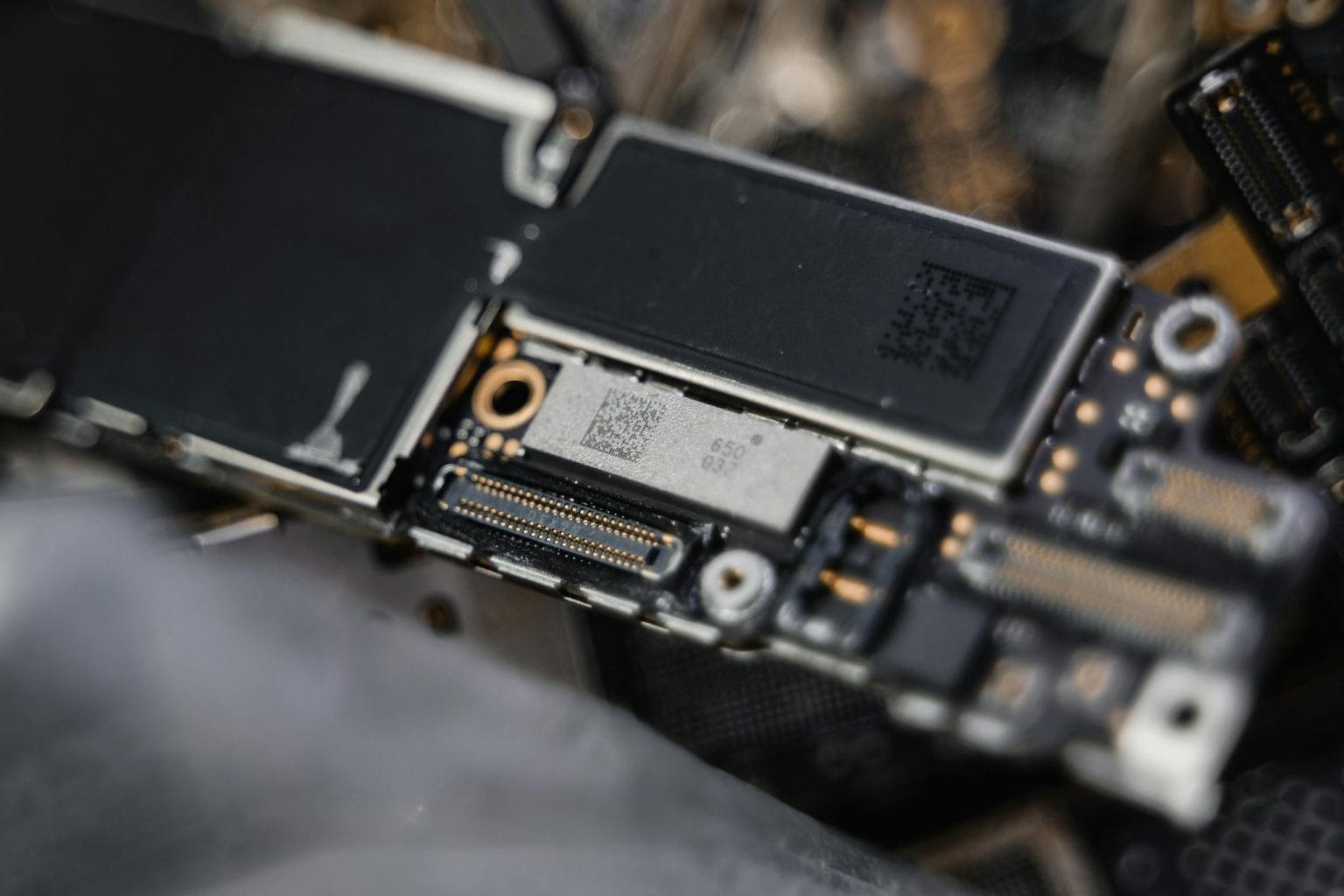
At No Fuss we open the device, clean the board properly under a microscope, remove corrosion, and repair or replace any damaged components — board-level work most shops can't do. And if the data is the priority, we can focus on recovering that first.
FAQ
Does rice fix a water-damaged phone?
No — it's a myth. Rice can't reach moisture sealed inside the device and can introduce dust and starch. Power the device off and bring it to a repairer quickly instead.
Can a water-damaged laptop be saved?
Often yes, especially if you act fast and don't keep powering it on. We clean the board and repair corrosion under a microscope — bring it in as soon as possible.
How quickly should I act?
Immediately. Turn it off and get it in the same day if you can — corrosion spreads over the following days.
Not sure? Bring it into our Charlestown workshop for a free diagnosis — we'll tell you honestly if it's worth fixing. Open Saturdays.
(02) 4041 2110